The router that only failed on Tuesdays
11 August 2026 · 3 min read
For most of June the house internet dropped for about ninety seconds somewhere between 04:10 and 04:20, and only ever on a Tuesday. Nobody was awake to notice. I found out because a backup job kept failing at the same point in its transfer, and the retry logic wasn’t clever enough to hide it.
The obvious explanation was the ISP. It usually is. But the modem’s own log showed a clean link the whole time, and a laptop wired directly to it kept its connection while everything behind the router lost theirs. So the fault was mine, which is worse and more interesting.
Ruling out the easy things
I started with the boring hypotheses, in order of how much I wanted them to be true:
- A DHCP lease expiring badly. Leases were 24 hours, so this would have been daily, not weekly.
- Thermal — something warming up and drifting. But 04:15 is the coldest part of the night here.
- A scheduled task somewhere on the network doing something rude.
The third one turned out to be right, but not in the way I expected, and it took a serial console to see it.
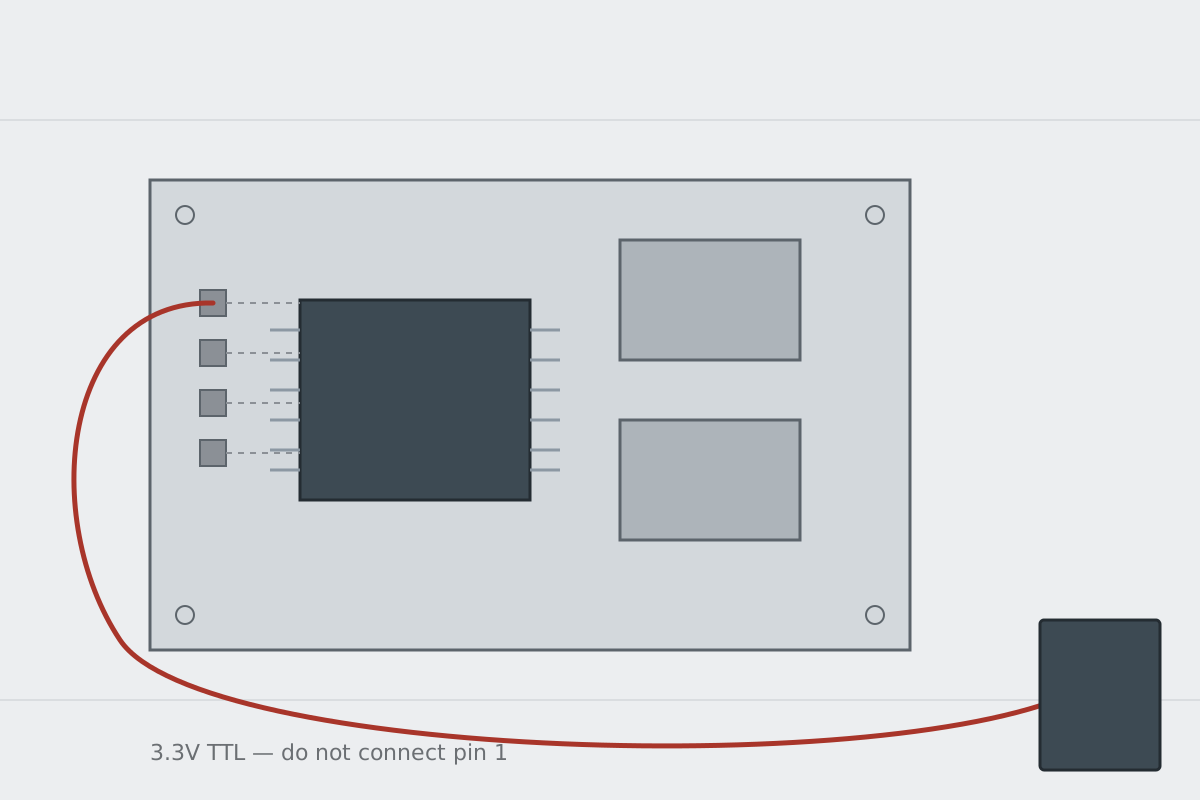
Getting a console
The board had four unpopulated through-holes near the SoC, the usual arrangement. Ground was easy to find with a continuity test against the shield. The remaining three I probed with a scope while power-cycling; the transmit pin gives itself away immediately, because it’s the one that spits a wall of bootloader text before anything else has settled.
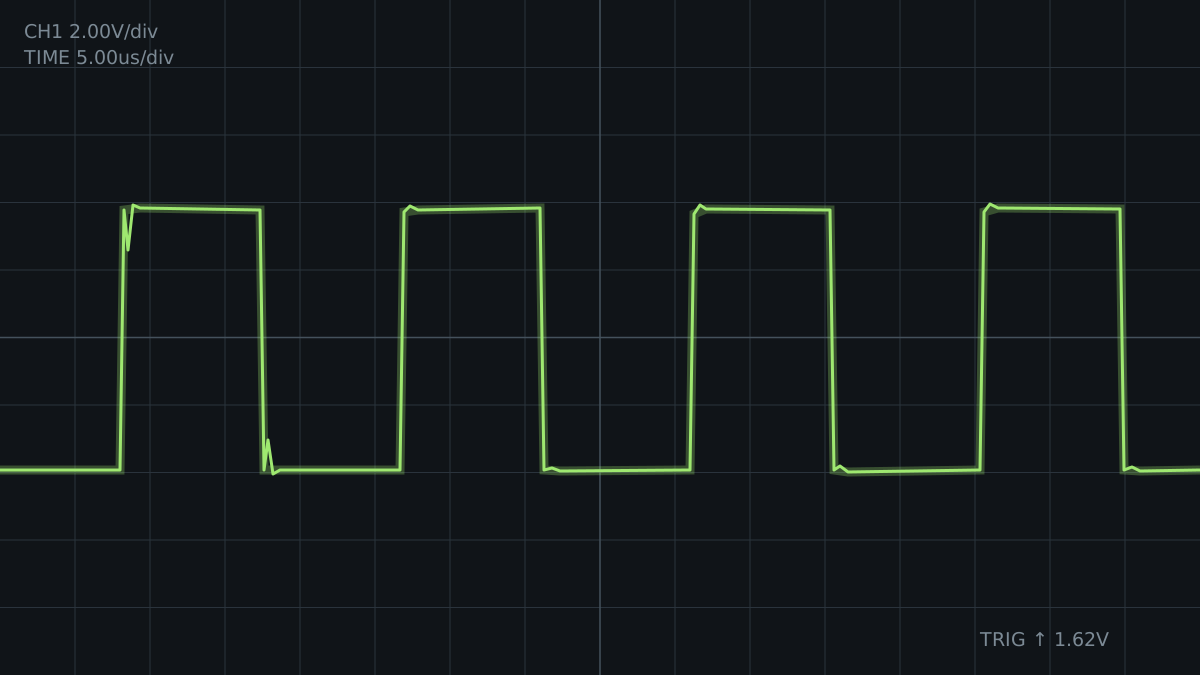
With picocom attached I could watch the thing live:
$ picocom -b 115200 /dev/ttyUSB0
Terminal ready
[  312.884] br-lan: port 2(eth0.1) entered blocking state
[  312.891] device eth0.1 left promiscuous mode
[  312.902] br-lan: topology change detected, propagating
A topology change every Tuesday morning. Spanning tree was reconverging, which meant something was appearing on the network and briefly making the bridge think there was a loop.
The culprit
The something was a managed switch in the garage that I had configured, and forgotten about, three years earlier. It had a firmware update check scheduled weekly. The check itself was harmless. What was not harmless was that the vendor’s implementation reinitialised the switching ASIC afterwards, whether or not an update existed, and for roughly a second during that reinit it flooded frames back out of the port they arrived on.1
Every device on my network is a small computer running software written by someone under deadline pressure, and I keep being surprised by this.
The fix took ten seconds once I knew: disable the update check, and give the uplink port a lower spanning tree priority so a transient loop resolves without dragging the whole bridge through a reconvergence.
config interface 'lan'
    option stp        '1'
    option priority   '4096'
    option forward_delay '4'
Four weeks of intermittent failure, three lines of config. That ratio feels about right for this sort of thing, and it’s the part I would like to remember: the debugging was almost entirely a search problem, and the search only got tractable once I could see what the box was saying to itself.
I confirmed this later by mirroring the port and watching it happen. It is a short window, but it is very much real. ↩︎